
ARM Software Features at a Glance
Manage Inventory and Reservations
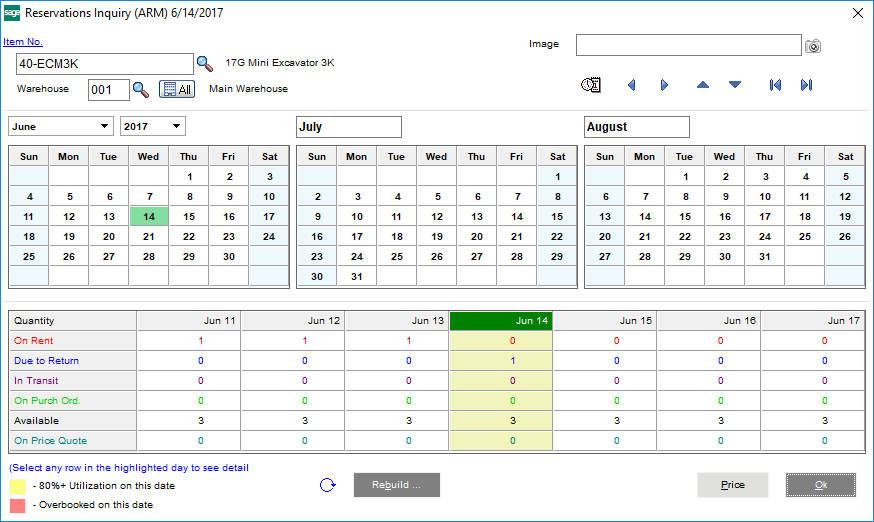
ARM makes managing rental inventory and looking up reservations simple and intuitive. You can easily see item availability when creating a quote, know where it’s at, and when it’s due back—even if it’s part of a kit so that you never over-commit equipment again.
Automated Contract Entry
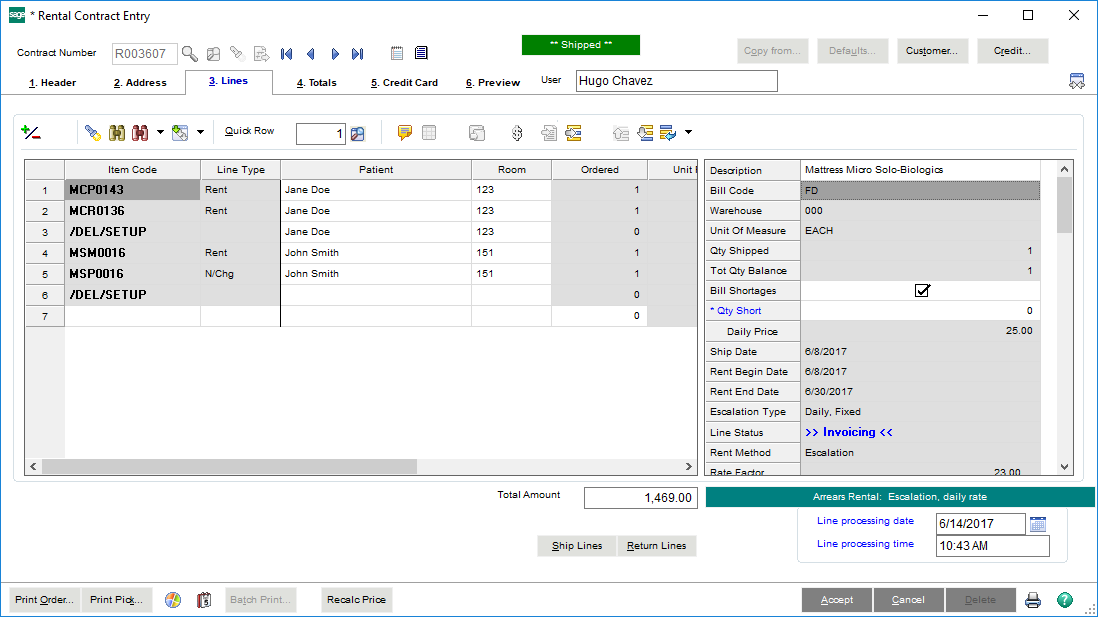
Instantly create rental contracts for new customers or generate a contract from a previous order with a single click. Upon completion, a picking sheet is created and sent to your warehouse and all of the billing information is simultaneously collected by your General Ledger.
Integrated Accounting & Financials
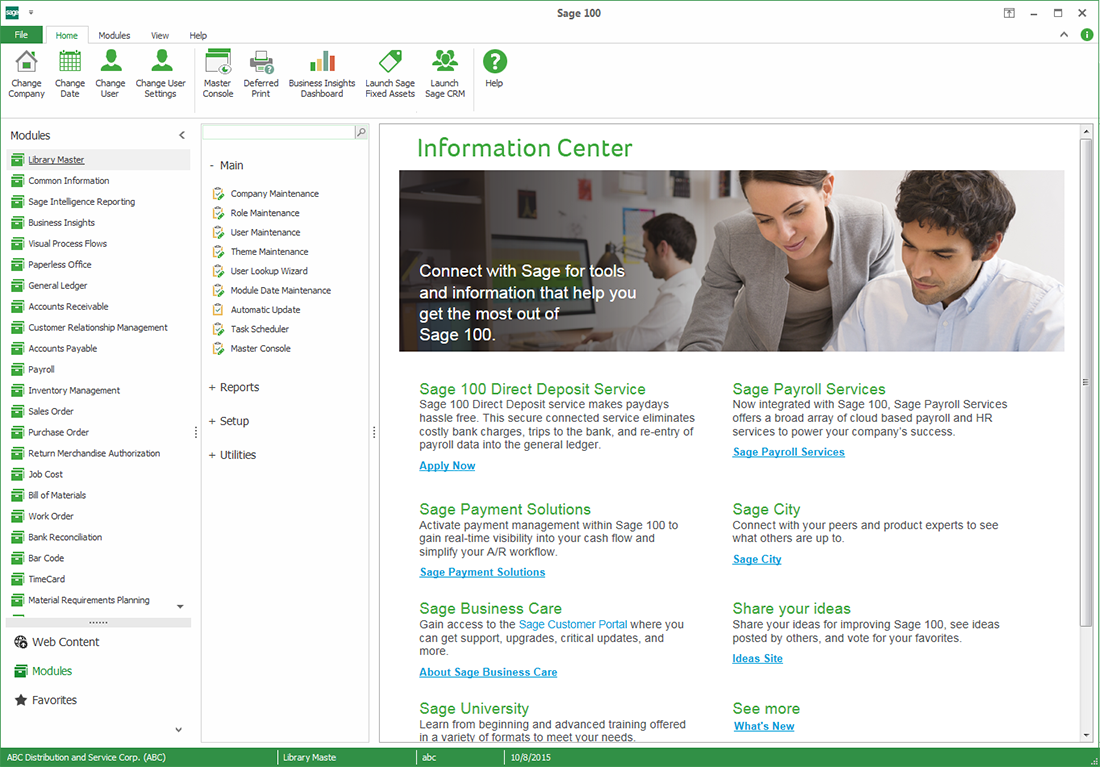
With CPA-recommended Sage 100 ERP (MAS 90/200) as it’s backbone, ARM is a complete rental business management solution that integrates seamlessly your accounts payable/receivable, general ledger, and other core accounting processes. Because it’s coded directly into framework of Sage 100, ARM doesn’t require any complex third-party integrations.

Reduce Transportation Costs
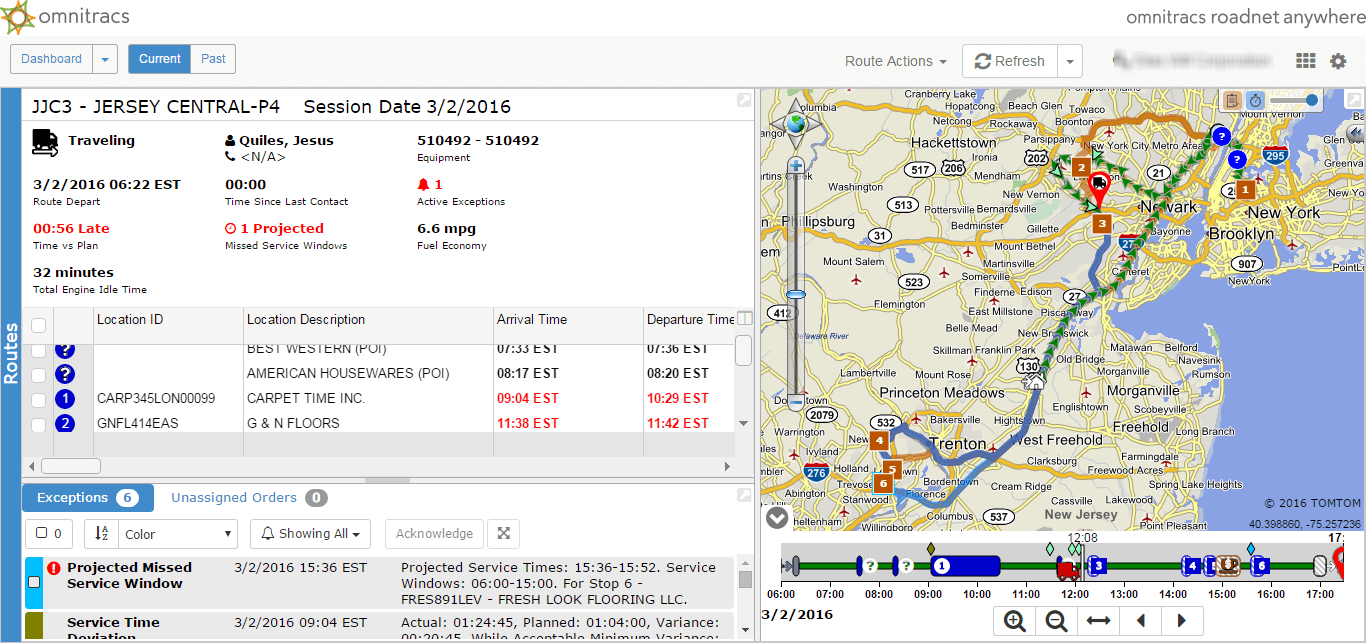
ARM is fully integrated with the Omnitracs Roadnet Anywhere Routing solution, enabling you to increase delivery efficiency and improve customer service. You can easily pull up contracts and view driver locations, estimated delivery time and more right from the rental contract.

Know Your Numbers at a Glance
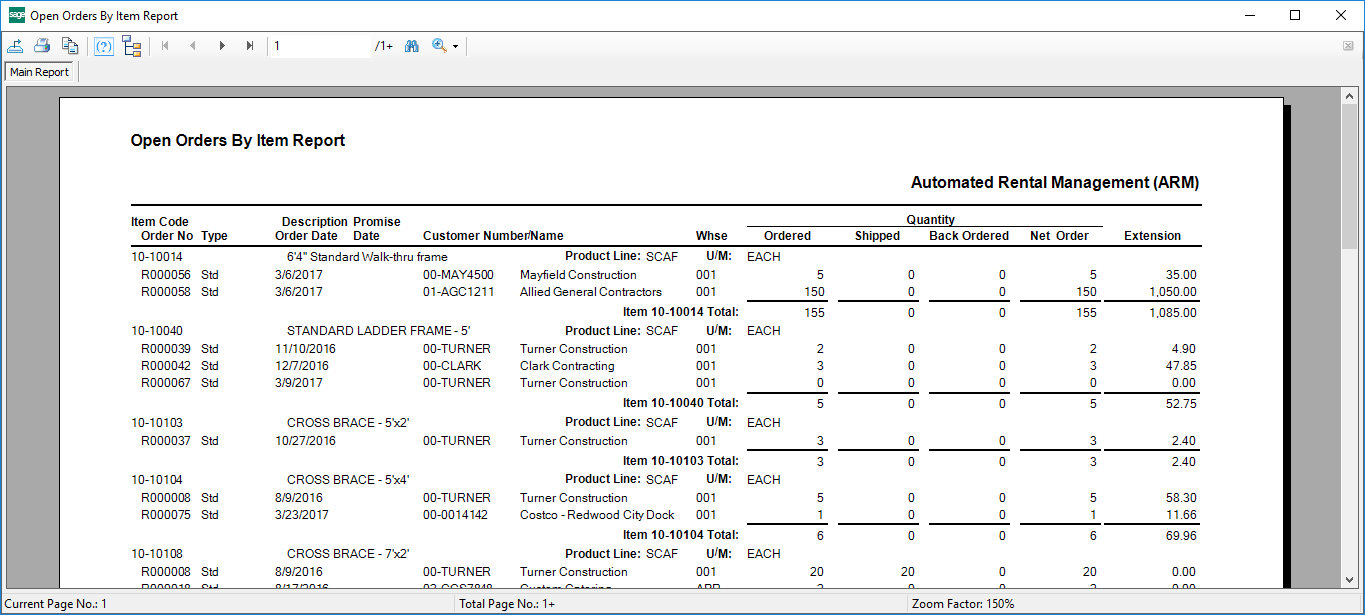
ARM is a full Enterprise Resource Planning (ERP) solution with robust reporting functionality. ARM makes it quick and easy to generate popular reports like: profit & loss, payments collected, tax summary, general ledger reports, days sales outstanding (DSO), utilization, and many more.
Purpose-Built Rental Business Software
Why Growing Rental Companies Trust ARM Software
Unsure if ARM Rental Software is right for you?
Let us provide you with a no-cost, no-obligation consultation. We’ll have a conversation about your current rental and accounting systems, processes, and business goals. Then we’ll begin laying the framework for figuring out how to help you achieve them.
Don’t Just Take Our Word For It
“ARM is so manageable — reservations, inventory, and billing are all integrated, which allows us to be more efficient and productive.”
Peggy Kringlie
Owner, Prairie Supply
“It was the very best software implementation I have ever been a part of. Even with the short time frame we didn’t experience any down time.”
Elizabeth Deck
Controller, M6 Concrete
“ARM kicks out the reports we want and everyone’s eyes light up. From a managerial standpoint, it is exactly what we need.”
Howard Schapira
Owner, Action Scaffold
“Our entire sales team uses ARM. When a client calls in, we can instantly confirm if the rental is available and the client is delighted.”
Gary Peto
President, Shag Carpet

Award-Winning Support
 Call Toll-Free 1-800-622-9014
  support@armsoftware.com
ARM’s Support team is all about making your life easier. With support plans tiered to meet your needs,
you’ll always get a real, live human located at our headquarters in San Antonio, TX.

Request a Demo Today!
Start a dialogue towards better business efficiency. Have a no-obligation conversation with a rental software expert.